Have a Question?
How to Reboot a WiFi Tag
This guide will walk you through rebooting a Wi-Fi tag on a HydroMassage bed.
1. Locate the Power Adapter
CT-1100 (Released Prior to June 2025)
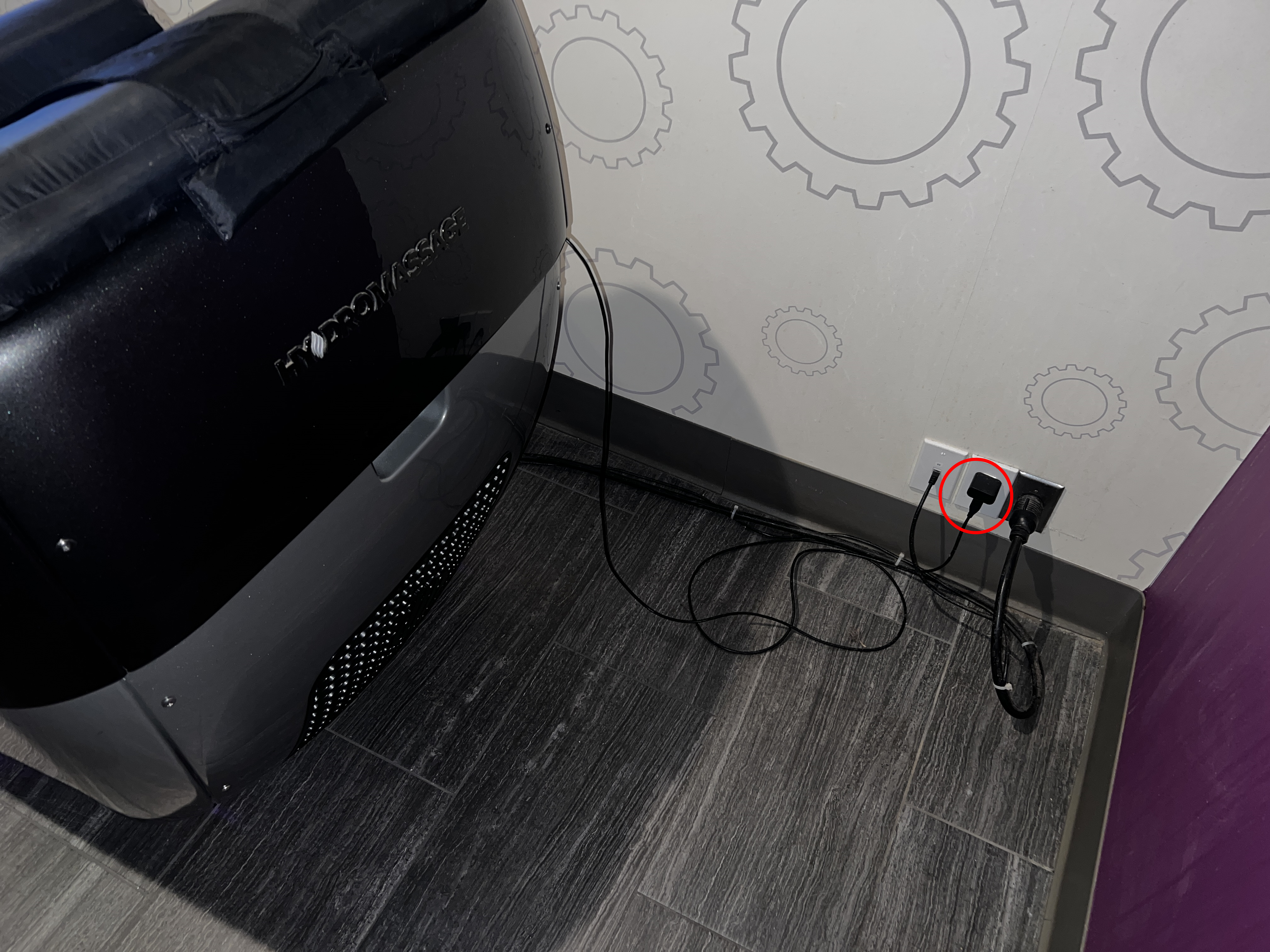
The USB power adapter looks similar to a cell phone charger. This is what provides power to the tag inside of the Hydro unit. The power adapter is circled in red below:
CT-1300 (June 2025 – Current)
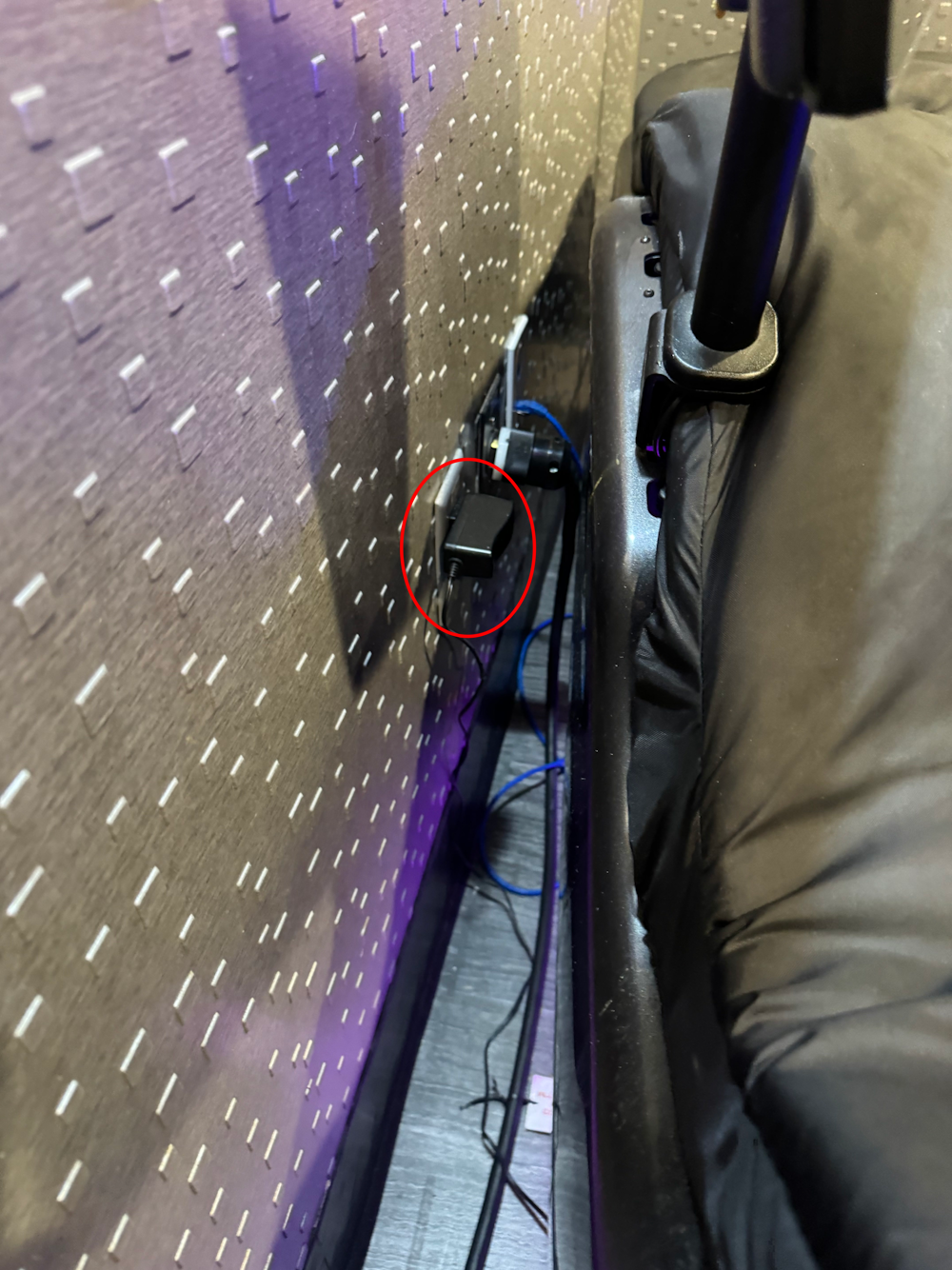
The CT-1300s do not use a USB power adapter like the CT-1100s. They use a standard 12v barrel adapter. A picture is included below.
2. Unplug the Power Adapter
Once you’ve located the power adapter, unplug the adapter from the wall socket. After ~5 seconds, plug the adapter back in.
That’s it! If the tag is still not showing up in Radianse after ~5 minutes, please proceed to the guide on verifying the tag’s functionality.